

A custom CMS becomes dangerous when security is treated as a final checklist. The safer approach is to make security part of the application structure: every request has a predictable entry point, database access follows one pattern, authentication is centralized, and untrusted input is never allowed to decide what the application executes.
Start with a small, explicit architecture
A maintainable PHP CMS does not need a huge framework, but it does need boundaries. Configuration should be separate from templates. Database access should be centralized. Reusable authorization and CSRF helpers should be shared instead of copied into individual pages. Public rendering and admin actions should be easy to distinguish.
When the structure is predictable, security fixes can be applied once and reused. When every page invents its own database and authentication code, small inconsistencies become vulnerabilities.
Treat the database as a strict boundary
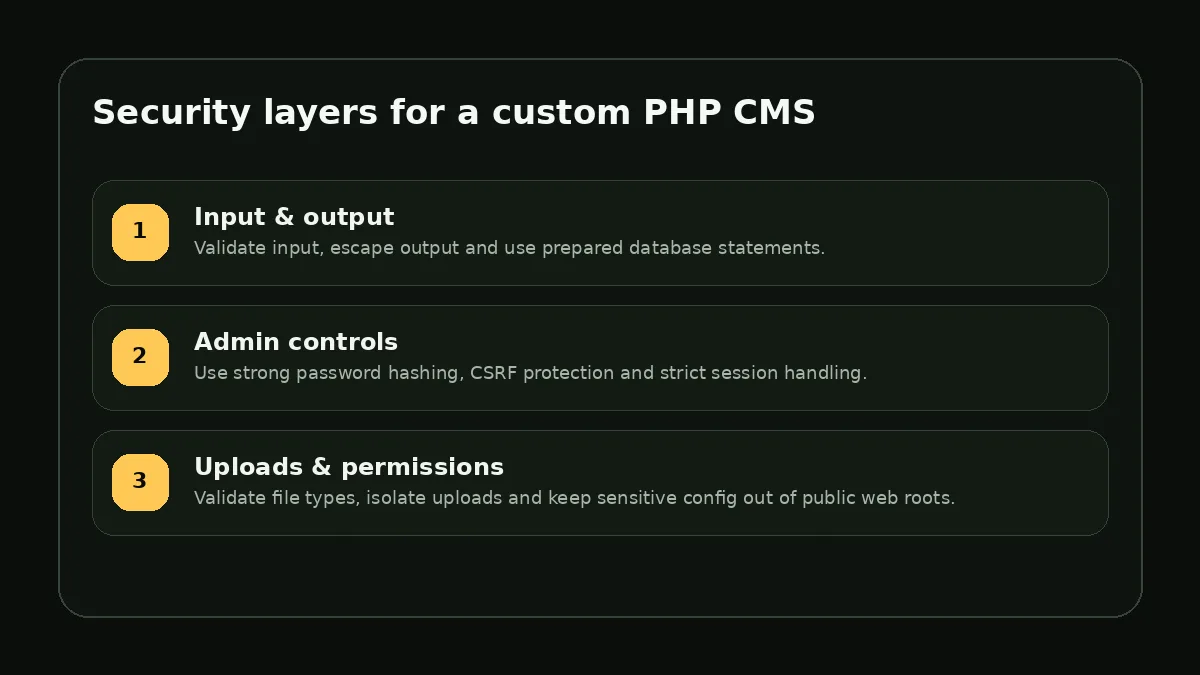
Use PDO prepared statements for values that come from users, forms or URLs. Do not build SQL by concatenating request data. Validate identifiers against an allow-list when a query genuinely needs a dynamic column or sort direction.
Database accounts should also follow least privilege in production. The application user usually needs access to its own database, not permission to manage every database on the server. Keeping credentials outside the public repository or public document root reduces the damage from accidental exposure.
Protect every state-changing admin action
Authentication tells the application who the administrator is; authorization decides what that account is allowed to do. For a small portfolio CMS the roles may be simple, but every create, update and delete action should still require an authenticated session and a valid CSRF token.
- Store passwords with `password_hash()` and verify them with `password_verify()`
- Regenerate the session identifier after a successful login
- Use secure and HttpOnly session cookies when HTTPS is enabled
- Add rate limiting or temporary lockouts around repeated login failures
- Log out by destroying the authenticated session rather than only redirecting the browser
Uploads deserve their own security model
File uploads combine user input with filesystem access, so they should never be handled as ordinary form fields. Validate MIME type and size, generate server-side filenames, restrict executable extensions, and store files in a location where uploaded content cannot become server-side code.
Images and videos should also be checked against hosting limits before the application tries to process them. A clear error message is better than a silent partial upload.
Security is a maintenance process
A secure CMS is not finished when the first version ships. Review authentication logs, remove unused admin accounts, keep server software supported, test backups, and revisit permissions when new features are added. The most effective security posture is a codebase that stays small enough to understand and consistent enough to audit.